Buying Used Electronics Online: A 15-Point Checklist
A 15-point checklist for buying used phones, laptops, TVs and consoles online: locks and blacklists, battery health, screen defects and proof of ownership.

How to buy refurbished phones, laptops and tablets with confidence: refurbished vs used vs open-box, grades, warranties, battery health and seller checks.
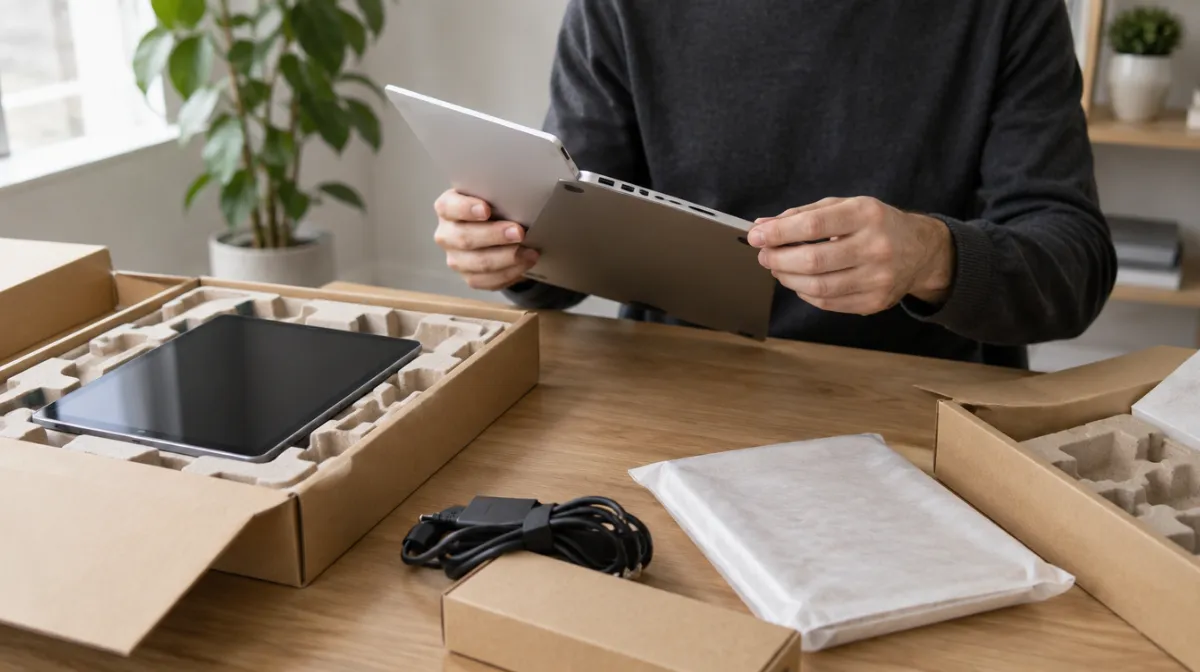
Refurbished electronics can cost a lot less than new and keep good devices out of landfill. The catch is that “refurbished” isn’t a regulated term. It can mean a device restored by the manufacturer with new parts and a full warranty, or a used phone wiped and given a quick polish. Buy from manufacturers or reputable refurbishers, and check the warranty, return window, battery health and lock status before you pay.
| Label | What it usually means |
|---|---|
| Manufacturer refurbished | Inspected, repaired and tested by the brand, often with new parts and a full warranty |
| Seller refurbished or “renewed” | Restored by a third-party refurbisher; standards and warranties vary |
| Open-box | Returned or display item, often nearly new, sold by a retailer |
| Used or pre-owned | Sold as is, usually with little or no testing or warranty |
| Source | What to expect |
|---|---|
| Manufacturer programs | The strongest standards. Apple’s Certified Refurbished products, for example, come with a one-year warranty, and refurbished iPhones get a new battery and outer shell |
| Retailer programs | Warranties and return periods vary by program; read the terms |
| Specialist refurbishment marketplaces | Many independent sellers under a platform guarantee; check each seller’s rating and warranty |
| Individual sellers | The least protection; treat it as buying used |
Many sellers grade cosmetic condition, but there’s no industry standard:
Read each seller’s own definitions and look at example photos. Grades usually describe appearance only; function should be tested regardless of grade.
Our used electronics checklist covers extra checks for buying from individuals.
| Area | What to test |
|---|---|
| Screen | Dead pixels, discoloration, touch response across the whole display |
| Buttons and ports | Every button, charging port, headphone jack and card slot |
| Cameras | Front and back, focus, flash and video |
| Audio | Speakers, microphone and calls |
| Connectivity | Wi-Fi, Bluetooth, mobile data, GPS |
| Battery | Charge to full and watch the drain over a normal day |
| Laptops | Keyboard, trackpad, webcam, fans and temperature under load |
| Accounts | You can sign in with your own account and run a factory reset |
If anything is wrong, contact the seller immediately and keep a record. Don’t let the return window run out while you wait for replies.
Usually good value refurbished: phones, tablets, laptops, monitors, game consoles, cameras and lenses, and smartwatches from recent generations.
Be more cautious with: older devices near the end of software support, cheap earbuds (hygiene and battery wear) and anything whose battery can’t be replaced.
Discounts vary with the model’s age, the grade and the seller. The newest flagship models are often only modestly cheaper refurbished, while devices a generation or two old usually offer the biggest savings for the smallest compromise. Compare the refurbished price with the current new price, which often drops after a launch, and with a newer refurbished model. Factor in the warranty too: a slightly higher price with a one-year warranty can be the better deal.
Pay by credit card or a service with buyer protection so you can dispute a charge if the item isn’t as described. Our guide to buyer protection with PayPal, cards and banks explains how each works, and returns and refunds rights covers what sellers must offer.
Buying refurbished extends a device’s life, and passing on your old one keeps it in use too. If you’re upgrading, see our guide on whether to sell or trade in your old phone, and recycle anything that can’t be reused through a certified electronics recycler.
Manufacturer-refurbished devices can be very close to new, with new parts and a full warranty. Third-party refurbished quality varies, so the warranty and seller reputation matter.
Usually, because refurbished devices are tested and come with a warranty and returns. A used device from an individual is often cheaper but carries more risk.
Look for at least 90 days and ideally a year, and check who handles repairs. Manufacturer programs typically offer the strongest cover.

Every article is edited by a human and checked against our editorial policy. Spotted a mistake? Tell us.
A 15-point checklist for buying used phones, laptops, TVs and consoles online: locks and blacklists, battery health, screen defects and proof of ownership.
Your rights when returning items bought online: faulty vs change-of-mind returns, cooling-off periods, marketplace and private sales, and how to claim a refund.
How to buy a used car online safely: research, vehicle history and recall checks, inspections, test drives, secure payment and spotting escrow scams.