How to Spot a Fake Seller Online
Ten warning signs of a fake online seller: prices too good to be true, new accounts, stolen photos, off-platform payments and pressure tactics, plus what to do.

The most common Facebook Marketplace scams and how to avoid them: fake payments, verification-code tricks, overpayment, shipping scams and safe meetups.
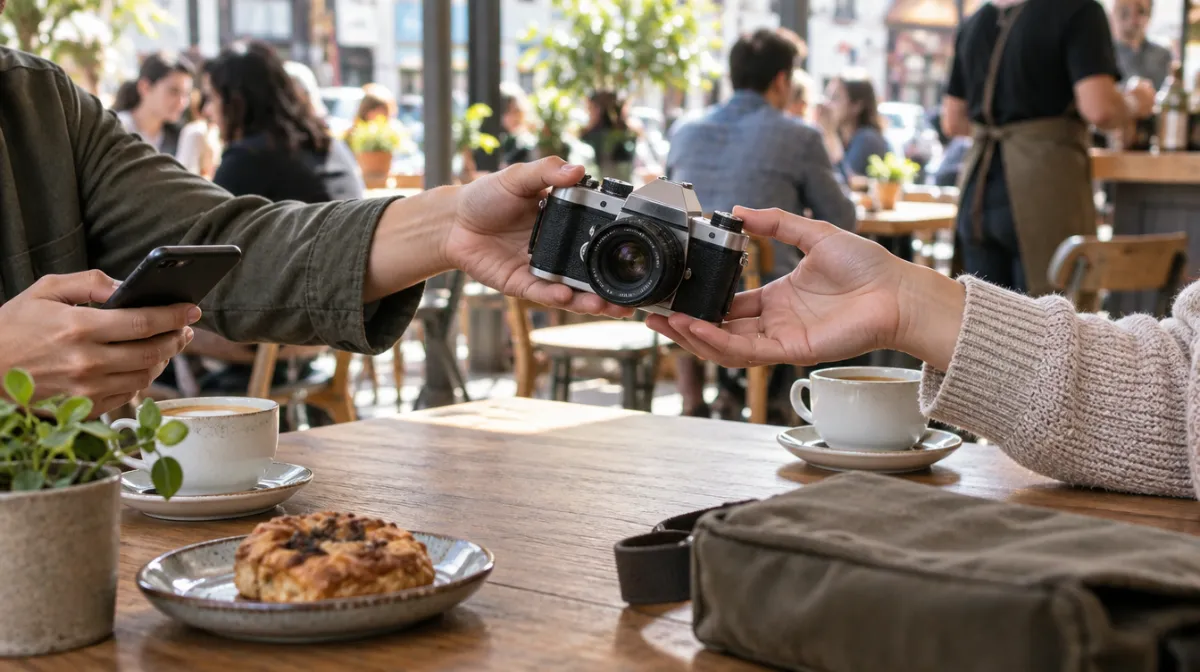
Facebook Marketplace is one of the easiest ways to buy and sell locally, and that popularity attracts scammers. The good news is that almost every Marketplace scam follows a familiar script. Learn the scripts and you will spot them in the first few messages; our guide to spotting a fake seller goes deeper.
A buyer says they have paid and sends a screenshot or an email that looks like it came from a payment app. It didn’t. Always check your balance in the app itself, never through a link or screenshot someone sends you.
A buyer asks you to read back a six-digit code “to prove you’re a real person”. That code is actually a login or account-setup code, often for a Google Voice number linked to your phone, or for your own accounts. Never share a verification code with anyone.
The buyer “accidentally” sends too much and asks you to refund the difference. The original payment later bounces or is reversed, and your refund is gone.
Someone far away offers full price, sight unseen, and wants you to ship it using a label or courier they arrange. The payment turns out to be fake or reversed. For local listings, stick to local pickup.
You receive a message asking you to “claim your payment” or “verify your account” through a link. It leads to a fake login page designed to steal your details.
Rentals, pets, cars and in-demand items are common bait. The seller asks for a deposit to “hold” the item. After payment, they disappear. Don’t pay anything before you have seen the item in person.
The seller pushes you towards gift cards, wire transfers, crypto or peer-to-peer apps with no buyer protection. If a buyer or seller insists on crypto, treat it as a scam; DCoining’s 12 crypto scam red flags explains why.
Phones and laptops can be reported stolen, still linked to the previous owner’s account or locked to a carrier. Check before you pay; our used electronics checklist shows how.
| Method | For in-person deals | Watch out for |
|---|---|---|
| Cash | Best for sellers; check larger notes | Counterfeits; meet at a bank for big sums |
| Payment apps (e.g. Venmo, Cash App) | Fine if you confirm receipt in the app before handing over | Usually no purchase protection for buyers |
| Zelle and bank transfers | Only with people you trust | Payments are fast and hard to reverse |
| Checkout with purchase protection | Best for shipped items, where available | Only applies when you pay through the platform |
| Gift cards, crypto, wire transfer | Never | Almost always a scam |
Most transactions go smoothly, but scams are common. Local, in-person deals where you inspect the item and use cash or a verified payment are the safest.
It’s almost always a scam. The code lets them take over an account or create a phone number in your name. Never share it.
Only from people you know and trust. Zelle is designed for sending money to people you know, and payments are difficult to reverse.

Every article is edited by a human and checked against our editorial policy. Spotted a mistake? Tell us.
Ten warning signs of a fake online seller: prices too good to be true, new accounts, stolen photos, off-platform payments and pressure tactics, plus what to do.
Which online payment methods protect buyers: PayPal Goods and Services, credit and debit cards, chargebacks, payment apps and bank transfers, and what to avoid.
Online shopping scams to watch in 2026: fake stores, social media ads, delivery texts, AI-generated reviews, fake deals and refund scams, and how to stay safe.